
HUSH They can hear reload: Combat Controls and Noise Risk
Press R to reload equipped weapons in HUSH: They can hear, but monitor your ammunition before firing. Gunshots produce heavy sound that alerts nearby creatures, forcing quick escapes toward extraction points.
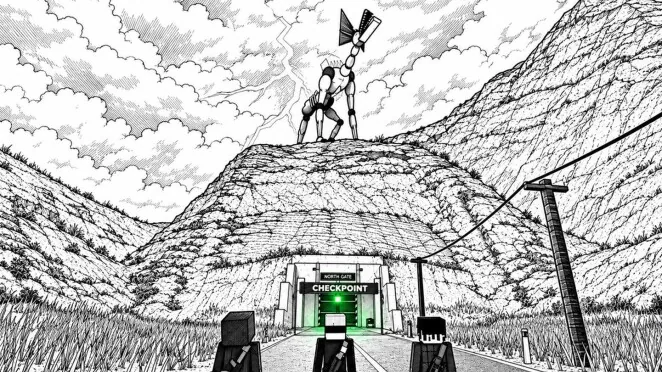
Press R to reload equipped weapons in HUSH: They can hear, but monitor your ammunition before firing. Gunshots produce heavy sound that alerts nearby creatures, forcing quick escapes toward extraction points.
Weapon Controls and Context Inputs
Keyboard and mouse controls dictate combat actions in HUSH: They can hear. Equipping assigned guns from inventory slots 1 and 2 allows players to aim with right-click and fire using left-click. Pressing R initiates the reload animation, replenishing ammunition from your inventory into the active firearm. Pressing Q will holster the weapon, while pressing I inspects it.
The R key serves a dual role depending on whether a container interface is open. When approaching supply objects such as medical crash carts or toolboxes, pressing E opens the container, while pressing R executes the TAKE ALL command to gather contents into your inventory. Keeping track of whether an item interface is active prevents unintended reloads during scavenging runs.
Managing Sound Levels During Firefights
Firing a firearm instantly raises player visibility to hostile monsters that track activity through audio cues. A dedicated decibel meter on the bottom left corner tracks player volume in real time. Standard actions register lower base audio, such as crouching indoors at roughly 33 dB or walking outdoors around 52 dB.
Discharging weapons creates an acute audio spike that overrides local environmental modifiers like fog or indoor dampening. Because hostile creatures converge on the point of origin, reloading immediately after firing should be paired with planned repositioning rather than standing still.
Loadout Decisions and Weapon Handling
| Handling Option | Practical Scenario | Operational Tradeoff |
|---|---|---|
| Firing equipped firearm | Defensive encounter against hostile entities | Generates loud noise spikes that summon nearby threats |
| Reloading with R key | Restoring magazine capacity between engagements | Requires existing ammo stacks and brief vulnerability |
| Holstering with Q key | Transitioning from combat back to quiet scavenging | Disarms immediate offense in exchange for lower profile |
Ammunition must be collected from town locations before engaging in combat. Toolboxes often hold medium ammo, while general containers yield light ammo or shotgun rounds. Depleting an entire reserve leaves a player holding an empty weapon, forcing a retreat toward safety.
Failing an engagement triggers the standard death penalty. Getting caught strips all carried loot, including equipped guns in weapon slots 1 and 2, throwables assigned to G, and the contents of the backpack. Only the safe pocket item and previously deposited base stash supplies remain secure. Understanding sound mechanics ensures that every reload and shot fired serves a calculated survival objective.