
HUSH They can hear Map Guide: Reading Icons and Exits
The HUSH They can hear map opens with the M key to reveal your exact position, marked danger areas, color-coded loot hotspots, and green extraction gates. Reading these markers properly keeps you clear of sound-hunting monsters while securing a safe path to escape.
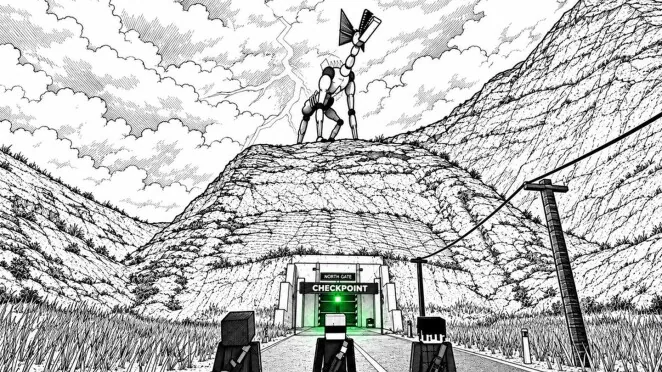
The HUSH They can hear map opens with the M key to reveal your exact position, marked danger areas, color-coded loot hotspots, and green extraction gates. Reading these markers properly keeps you clear of sound-hunting monsters while securing a safe path to escape.
Map Controls and Interface Indicators
Pressing M raises the paper map directly in front of your character. Scrolling the mouse wheel zooms into specific street blocks, while holding the left mouse button pans across the district. Holding the right mouse button pulls the paper closer for a detailed inspection, and tapping M again puts it away.
A red dot on the paper represents your current location in real time. Because looking down at the layout blinds you to immediate surroundings, open the map only while in cover. Checking your position while you crouch behind interior walls prevents unwanted noise, keeping your reading on the decibel meter at safe levels.
Understanding the Map Legend and Color Coding
The in-game map classifies points of interest with distinct color markings. Knowing what each color indicates lets you assess risk before stepping onto open roads.
| Map Marker | Meaning | Tactical Consideration |
|---|---|---|
| Red Marker | BEST LOOT | High container concentration; heavily patrolled by aggressive creatures |
| Yellow Marker | BETTER LOOT | Balanced supplies; offers safer retreat paths to perimeter borders |
| Green Marker | WAY OUT | Active evacuation posts; vehicles leave once their departure timer runs out |
| Red Dot | YOU | Real-time player coordinate; disappears when the paper map is closed |
Red icons highlight primary supply buildings, including the hospital and Old Town blocks. Yellow icons mark secondary targets like commercial shops and outer industrial facilities. Green WAY OUT markers identify the roadside evacuation terminals where you call transport to bank your inventory.
Comparing Search Zones Across the Town
Planning which district to enter depends on your current equipment and inventory capacity. Different parts of town present distinct loot densities and acoustic threats.
| Destination Type | When to Choose | Associated Risks and Demands |
|---|---|---|
| Red High-Value Hubs (Old Town, Hospital) | Raids aimed at filling empty slots with medical crates and weapon spawns | Severe creature density, cramped interior corridors, and loud surface debris |
| Yellow Mid-Tier Sites (Kessler Works, Shops) | Conservative runs targeting hardware, toolboxes, and steady trade items | Multiple scattered structures requiring longer walking intervals outside |
| Outer Rural Borders (Sunshine Farm, Farm Track) | Low-risk scavenging runs focused on quick access to border extractions | Sparse standalone containers offering modest credit payouts at base |
Targeting best loot zones fills your 20-slot inventory quickly, but running through alleyways increases detection risks. Balancing a raid between yellow supply stops and nearby perimeter roads minimizes exposure to wandering monsters.
Planning Escape Routes to Way Out Markers
Every raid requires an exit plan before your bag reaches full capacity. Green WAY OUT icons represent vehicle evacuation points, including North Gate, The Farm Track, Old Town Metro, Helipad, and the Rail Tunnel.
Reaching a green marker brings you to a roadside terminal post. Interacting with the post turns the signal lamp red and starts a departure countdown, which lasted 72 seconds in one recorded raid. Once the evacuation vehicle arrives, board the transport, hold the interact key to type extract, and remain inside before the heavy doors close. Completing a clean extraction secures everything stored in your backpack and awards a skill point back at base.