
HUSH They Can Hear Sell Loot Guide: HUSH SUPPLY Shop and Stash Steps
Players sell loot in HUSH: They can hear by extracting alive, banking their haul into the stash with the store all button, and opening the sell tab inside the HUSH SUPPLY shop on the main menu to convert items into credits.
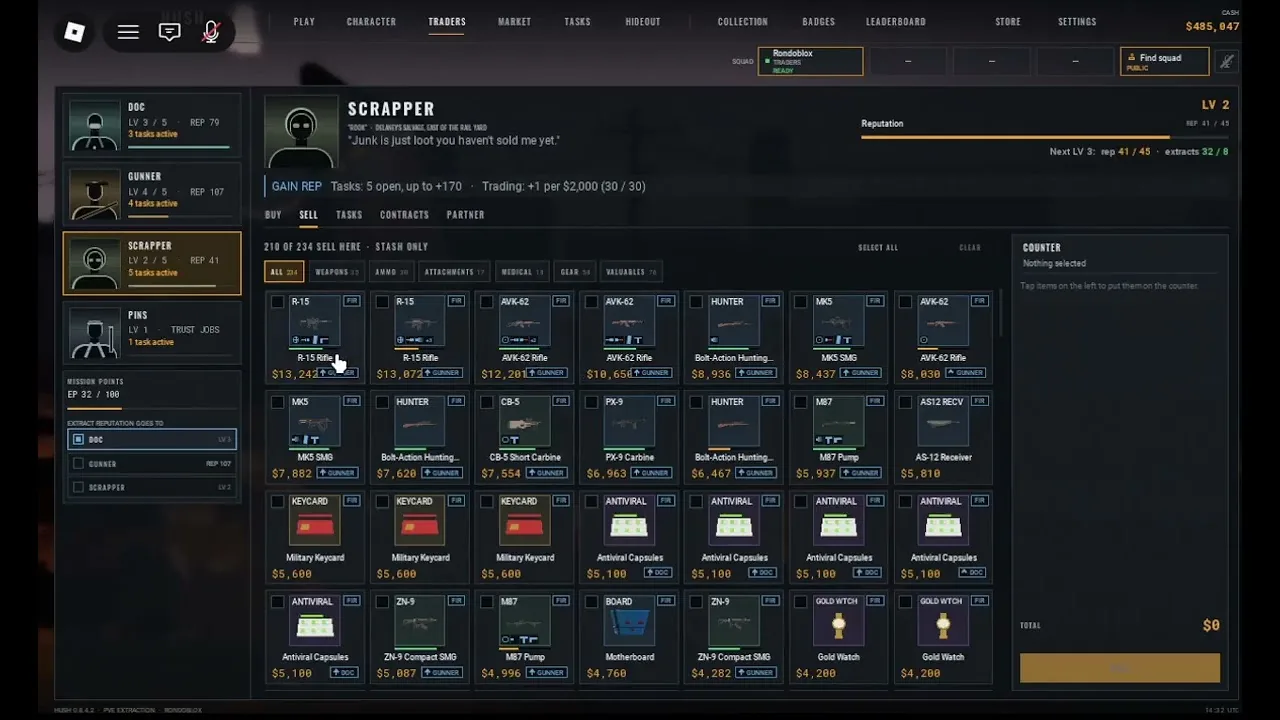
Players sell loot in HUSH: They can hear by extracting alive, banking their haul into the stash with the store all button, and opening the sell tab inside the HUSH SUPPLY shop on the main menu to convert items into credits.
Accessing the HUSH SUPPLY Shop
Selling takes place at the HUSH SUPPLY shop on the base screens rather than inside raid zones. The shop button sits directly on the main menu alongside options for PLAY, STASH, SKILLS, CRAFTING, ROBUX, and THE MOTHER. Clicking SHOP opens the merchant interface.
The shop interface contains five separate tabs: BUY, GEAR, SELL, JOBS, and ROBUX. The character customization screen shares the HUSH SUPPLY branding and displays the text YOUR RAIDER. If that subtitle appears, the game is showing the appearance editor. The vendor interface is active only when all five store tabs are visible across the screen.
Storing Items Before Selling
The SELL tab does not pull items directly from your active backpack. To register an item for sale, you must deposit your raid haul into the base storage first. Surviving a run requires reaching an active extraction point before the timer expires. Once you return to base, open the inventory view and select STORE ALL to transfer every collected item into the stash.
Carried gear remains vulnerable until stored. If monsters eliminate a character during an active run, all carried inventory, weapons in slots 1 and 2, and throwables drop. Only the single item stack placed inside the safe pocket returns to base upon death. Items moved into the base stash through the store all command are completely secure and ready to sell.
Selling Methods in the SELL Tab
Switching to the SELL tab inside HUSH SUPPLY displays every eligible item currently resting in your stash along with its individual unit price. Selling updates the credit balance displayed on both the main menu and the base inventory screen.
The shop provides three specific selling commands:
| Selling Option | When to Select | Inventory Effect |
|---|---|---|
| SELL 1 | Checking unit pricing or preserving part of a consumable stack | Sells a single unit and leaves the remaining quantity in the stash |
| SELL ALL JUNK | Clearing bulk low-value scavenged items after multiple runs | Sells low-tier debris in one action without manual confirmation on each |
| SELL ALL | Liquidating complete stacks of items like duplicate codes or excess ammo | Removes the selected item stack entirely and adds the full value to credits |
Observed Item Sale Prices
Items found in toolboxes, crash carts, and buildings convert into credits at varying rates. Testing during the beta build recorded the following per-unit values:
| Item | Payout per Unit |
|---|---|
| Bunker Code | 150 CR |
| Medkit | 60 CR |
| Bandage | 15 CR |
| Energy Bar | 15 CR |
| Chemicals | 14 CR |
| Cloth Rags | 2 CR |
| Light Ammo | 1 CR |
A discovered bunker code and medical supplies yield far higher credit returns than scrap items like cloth rags or loose rounds. Accumulating credits through the SELL tab allows players to browse the BUY and GEAR tabs to purchase weapons, medical kits, gold guns, and diamonds.